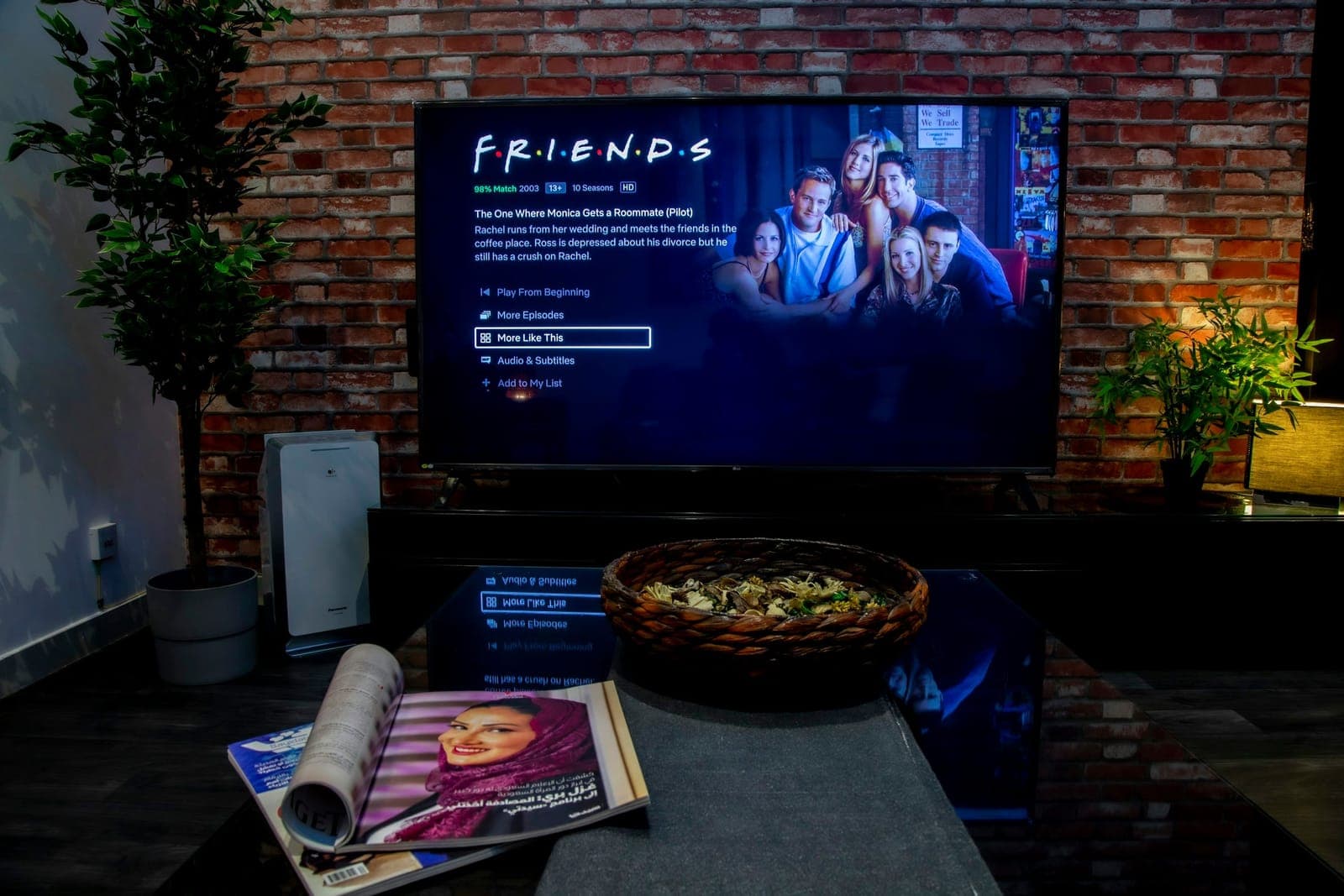
- Channel count: 24,000+ live TV channels covering Nordic, Greek, and worldwide content.
- On-demand library: 80,000+ movies and series, refreshed weekly in 4K and FHD.
- Starting price: $12.99/month for one device — lifetime plans start at $289 (one-time).
- Devices supported: Smart TV, Android, iPhone, iPad, MAG, Formuler, Windows, and Mac.
- Setup time: Login credentials and a setup guide arrive within 5–15 minutes by email and WhatsApp.
- Free trial: A 24-hour trial is available before you commit to any paid plan.
What Streaming Nordic IPTV Actually Gives You
Streaming Nordic IPTV means pulling SVT, NRK, DR, YLE, and dozens of other Scandinavian and Greek broadcasters straight to your screen — no satellite dish, no cable contract, no hardware rental fee. Nordic IPTV delivers all of that over your existing internet connection, which is the reason so many expats and cord-cutters have switched in the last couple of years.
The library is genuinely large. We're talking 24,000+ live channels and 80,000+ on-demand titles — not padded with dead feeds, but actual working streams in 4K, FHD, and HD. Sports, news, children's programming, box-sets, blockbusters — it's all in there. The breadth is what separates a serious IPTV service from the cheap resellers that flood search results.

The channels that matter most to Nordic households are all present: SVT1, SVT2, TV4, TV3 (Sweden), NRK1, NRK2, TV2 (Norway), DR1, DR2, TV2 Denmark, YLE (Finland), and on the Greek side ERT, Cosmote TV, and Nova. That's not a partial list padded with obscure regional feeds — those are the flagship public and commercial broadcasters, running live.
What you also get, and what people underestimate, is the full EPG — a 7-day electronic programme guide with catch-up. Miss the Sunday-night episode? Pull it back. Didn't see the first-half goals? Rewind. That catch-up window alone changes how you watch TV.
Nordic and Greek Channels: What's in the Line-Up

The Nordic and Greek channel package is the core of the service — and it's the reason people specifically search for a Nordic IPTV provider rather than a generic one. Here's what the line-up actually covers:
Swedish Channels
- SVT1, SVT2, SVT24 (public broadcaster)
- TV4, TV3, Kanal 5, TV6
- Regional SVT feeds
Norwegian Channels
- NRK1, NRK2, NRK3
- TV2 Norway, TV2 Nyhetskanalen
- MAX (formerly TV3 Norway)
Danish Channels
- DR1, DR2, DR Ramasjang
- TV2 Denmark, TV2 Charlie, TV2 News
Finnish Channels
- YLE TV1, YLE TV2, YLE Fem
- MTV3, Nelonen
Greek Channels
- ERT1, ERT2, ERT3
- Cosmote TV, Nova, ANT1, MEGA, SKAI
That's five full national line-ups under one subscription. For a Greek-Swedish household — which is more common than you'd think — this is the only service that genuinely covers both without needing two separate subscriptions. NordicIPTV has built the channel catalogue specifically around these communities, and it shows in the depth of each national package.
Sports Coverage: Every League, Every Kickoff

Sports is where IPTV either wins or loses a subscriber. Buffering during a penalty shootout is unforgivable. Nordic IPTV runs load-balanced servers across multiple data centres, which means if one source degrades during a Champions League final, your stream reroutes automatically. That's how the service holds a 99.9% uptime target even during the highest-demand events.
The sports catalogue is broad. What leagues are actually covered? Here's the full list:
- FIFA World Cup
- UEFA Champions League and Europa League
- English Premier League
- Spanish La Liga
- Greek Super League and Greek Basket League
- Swedish Allsvenskan
- Swedish Hockey League (SHL)
- NHL
- EuroLeague Basketball
- PPV events and big fights
The SHL inclusion matters more than people expect. Swedish hockey fans living abroad have historically had almost no legal way to watch SHL live. Getting it inside a single IPTV subscription — alongside Premier League and UCL — is a genuine differentiator. The NordicIPTV sports package covers multi-game days with dedicated sport channels so you're not hunting through a 24,000-channel list to find the right feed.
4K Streaming Quality and Server Stability

Picture quality is the first thing new IPTV users ask about, and the honest answer is: it depends on two things — the service's servers and your own internet connection. Nordic IPTV handles the server side with a load-balanced infrastructure that targets 99.9% uptime. Your side of the equation is simpler than most people think.
For 4K streaming, you need a sustained download speed of around 25 Mbps per stream. FHD (1080p) runs comfortably at 10–15 Mbps. If you're running three simultaneous streams in FHD, budget for 40–50 Mbps of headroom. The Nordic IPTV internet speed guide covers this in detail, but those numbers are the practical floor — not the theoretical minimum.
One mistake I made early on: I was running a 4K stream through a 5 GHz Wi-Fi connection and kept getting intermittent drops every 20–30 minutes. Switching to a wired Ethernet connection to the router fixed it entirely. Wi-Fi interference, especially in apartment buildings, is the number-one cause of IPTV buffering that has nothing to do with the service itself. If you're troubleshooting drops, try the cable first before blaming the provider.
The anti-freeze technology built into the service automatically reroutes streams when a server node shows latency. In practice, that means you rarely see a spinning buffer icon — the switch happens in the background, usually within a second or two.
Devices and Setup: How to Get Running in Minutes

One of the friction points with IPTV services is setup. People assume it's complicated. It's not — but the steps do vary by device, and getting them wrong wastes time. Nordic IPTV sends a setup guide by email and WhatsApp within 5–15 minutes of payment, which covers each platform specifically.
Which devices are supported? Every mainstream one:
- Smart TV — Samsung, LG, and others via built-in apps or sideloading
- Android — phones, tablets, Android TV boxes, Fire Stick
- iPhone and iPad — via compatible IPTV player apps
- MAG and Formuler — dedicated IPTV set-top boxes with native support
- Windows and Mac — through desktop IPTV players
The service supports both M3U and Xtream Codes, which means it works with virtually every IPTV player app on the market — TiviMate, IPTV Smarters, GSE IPTV, and others. M3U is the simpler option if you just want to paste a URL and go. Xtream Codes gives you a cleaner login flow (username, password, server URL) and is the better choice for MAG boxes and Formuler devices.
A practical tip: on Android TV devices, TiviMate is the best player for this service. Set the buffer size to 10,000 KB in TiviMate's settings — the default is lower and you'll feel the difference on 4K streams during busy server periods.
The VOD Library: 80,000+ Movies and Series
The on-demand side of Nordic IPTV is 80,000+ titles — movies and full series box-sets, updated weekly. That's not a static catalogue from 2020; new releases land regularly. Recent titles in the library include Dune: Part Two, Avatar: Fire and Ash, Wicked, and Oppenheimer alongside long-running series like Stranger Things, The Last of Us, Squid Game, Money Heist, and Vikings.
The Nordic content specifically includes The Bridge (Bron/Broen) and The Last Kingdom — the kind of Scandinavian drama that made Nordic noir a global genre. If you've been hunting for a way to watch these in their original language with subtitles, the VOD library handles it.
What's the refresh cycle? New titles are added weekly. That means if a film hits wide release this Friday, it typically appears in the VOD section within the following week or two. It's not instant — but it's fast enough that the library never feels stale.
For binge-watchers, the full box-set availability is the key feature. You're not getting one season at a time; complete series are available in one place. NordicIPTV organises the library by genre, country, and release year, which makes browsing 80,000 titles actually manageable.
Pricing Plans: Monthly, Annual, and Lifetime Options

Pricing is straightforward. NordicIPTV structures plans by device count and duration. Every plan — regardless of tier — unlocks the full 24,000+ channel line-up and 80,000+ VOD titles. There's no "basic" tier that strips out channels.
| Duration | Price (1 Device) | Notes |
|---|---|---|
| 1 Month | $12.99 | One-time payment |
| 3 Months | $34.99 | One-time payment |
| 6 Months | $49.99 | Popular choice |
| 12 Months | $59.99 | Best annual value |
| 24 Months | $99.99 | One-time payment |
| Lifetime (1 device) | $289.00 | Pay once, no renewals |
The lifetime plan deserves a closer look. At $289 for one device, you break even against monthly billing in roughly 26 months. After that, you're streaming for free in perpetuity. The math gets even cleaner when you compare it to annual billing: three years of annual plans costs around $150 per year, or $450 total — versus $289 once. Lifetime plans scale up to five devices, with the five-device option at $797.
Multi-device households should note that 2, 3, 4, and 5-device plans are available at every duration tier — each device gets its own independent connection, so four people can stream different channels simultaneously without conflict.
How to Start Streaming Nordic IPTV: Trial, Activation, and First Steps

Not sure whether the channel quality will work on your specific connection? Order the 24-hour trial before committing to a paid plan. It gives you full access to the service — same channels, same VOD library, same quality — so you can test it on your actual home network rather than trusting a screenshot.
The activation process once you've chosen a plan is genuinely fast. Pay securely at checkout, and your login credentials plus a device-specific setup guide arrive within 5–15 minutes by email and WhatsApp. No waiting 24 hours for a support ticket. No manual provisioning delay. The account activates automatically.
Here's the sequence that works best for first-time users:
- Order the 24-hour trial and test on your primary device.
- Check that your internet speed meets the threshold for your preferred quality tier (25 Mbps sustained for 4K).
- If everything works, choose a plan based on how many devices you need and how long you want to commit.
- Install the recommended IPTV player app for your device (the setup guide specifies which one).
- Enter your Xtream Codes credentials or paste your M3U URL — the guide walks you through it step by step.
I remember the first time I set up a MAG box with this service — I entered the portal URL with a trailing slash and got a "server not found" error for about ten minutes before spotting the typo. The setup guide now flags that exact issue. Small things like that are why having a human support team on WhatsApp matters: they respond fast and they know the common gotchas.

Multilingual support is worth mentioning specifically. The support team handles queries in multiple languages, which matters when your household speaks Swedish or Greek and you'd rather troubleshoot in your first language. That's a practical detail that generic IPTV resellers simply don't offer.

Streaming Nordic IPTV through a service built specifically for Scandinavian and Greek audiences — rather than a generic IPTV reseller that happens to include a few Nordic feeds — is the difference between a frustrating experience and one that actually replaces cable. The channel depth, the sports coverage, the 4K quality, and the 80,000-title VOD library are all there. The trial costs nothing to test. If the channels work on your connection, the paid plans represent serious value at $12.99/month to start.
Frequently Asked Questions
What internet speed do I need for streaming Nordic IPTV in 4K?
You need a sustained download speed of at least 25 Mbps per 4K stream. FHD (1080p) streams run comfortably at 10–15 Mbps. If you're running multiple simultaneous streams, multiply accordingly and add 20% headroom. A wired Ethernet connection is strongly recommended over Wi-Fi for 4K, especially in dense apartment buildings where 5 GHz interference causes intermittent drops.
Can I watch Nordic IPTV on more than one device at the same time?
Yes. Multi-device plans are available for 2, 3, 4, or 5 devices. Each device gets its own independent connection, so everyone in the household can watch a different channel simultaneously. You choose your device count at checkout — monthly, annual, and lifetime tiers all support multi-device options.
Is there a free trial before I commit to a paid plan?
Yes. Nordic IPTV offers a 24-hour trial that gives you full access to the entire service — all 24,000+ live channels and 80,000+ on-demand titles — so you can test quality and stability on your own connection before purchasing a subscription.
Which IPTV player app works best with this service?
On Android TV and Fire Stick devices, TiviMate is the top recommendation — set the buffer size to 10,000 KB in settings for the best 4K performance. On iPhone and iPad, IPTV Smarters Pro works well. MAG and Formuler boxes connect directly using the portal URL. The setup guide delivered after purchase specifies the best option for your exact device.
What's the difference between M3U and Xtream Codes, and which should I use?
M3U is a playlist URL — you paste it into any compatible player and it loads your channels. Xtream Codes uses a username, password, and server URL instead, and gives you a cleaner, more stable connection with better EPG integration. Use M3U if you want the simplest possible setup. Use Xtream Codes if you're on a MAG box, Formuler, or TiviMate — it's the more reliable method for long-term use.
Does the lifetime plan really mean no renewals ever?
Yes. A lifetime plan is a single one-time payment — no monthly bills, no annual renewals, no price increases. The plan covers one device at $289, scaling up to five devices at $797. After payment, access is permanent for as long as the service operates. The math favours the lifetime plan for anyone planning to use the service for more than about two years.
Start streaming with Nordic IPTV
25,000+ live channels and 60,000+movies & series in 4K, on any device. Plans from $12.99/month, or go lifetime.