
| Question | Quick Answer |
|---|---|
| Can I stream IPTV on multiple devices at the same time? | Yes — choose a 2, 3, 4, or 5-device plan and each screen gets its own independent connection. |
| Which devices are supported? | Smart TV, Android, iPhone, iPad, MAG, Formuler, Windows, Mac, and Fire Stick — M3U and Xtream Codes ready. |
| What is the cheapest multi-device plan? | Plans start at $12.99/month for one device; multi-device pricing scales up from there. |
| Does picture quality drop when streaming on multiple screens? | No — load-balanced servers maintain 4K/FHD quality on each connection independently. |
| Is there a free trial before committing to a plan? | Yes — Nordic IPTV offers a 24-hour free trial so you can test quality on your own connection first. |
| What is the best long-term value for multi-device streaming? | A lifetime plan starts at $289 for one device and goes up to $797 for five devices — one payment, no renewals. |
Why IPTV Multi Device Plans Are Now the Default Choice for Households
Running a single-screen IPTV subscription in a house with three people is a recipe for arguments. NordicIPTV solved this the straightforward way: pick the number of devices you actually need — two, three, four, or five — and every screen gets its own live connection to 24,000+ channels and 80,000+ movies and series in 4K.
Why does this matter more now than it did five years ago? Because the average household owns seven internet-connected screens. The TV in the living room, a tablet in the bedroom, a phone on the commute — they all want the same content at the same time. A proper IPTV multi device plan handles that without throttling any individual stream.
I made the mistake of buying a single-device plan first. I figured I'd mostly watch on the big TV. Within a week my partner had claimed the TV for a Nordic drama series, and I was left refreshing a browser tab on my laptop. The upgrade to a multi-device plan took about four minutes and cost less than a round of coffees. Lesson learned.
The practical difference between a single-connection and a multi-connection plan is not just convenience — it is household peace. Each connection is independent, so one person watching a Champions League match in 4K does not degrade the stream of whoever is watching a documentary on an iPad in the next room.
Every Device That Works With Nordic IPTV Multi Device Streaming
What devices can you actually use? The full list is broader than most people expect. Nordic IPTV supports:
- Smart TV — Samsung, LG, and other Android-based sets via M3U playlist or a dedicated app
- Amazon Fire Stick — install a third-party IPTV player, paste your M3U URL, done
- Android phones and tablets — TiviMate or IPTV Smarters work excellently here
- iPhone and iPad — GSE Smart IPTV or IPTV Smarters Pro handle the Xtream Codes login
- MAG boxes — native portal support, no sideloading required
- Formuler Z8/Z10 — MyTVOnline2 is pre-installed and pairs perfectly
- Windows PC — VLC or IPTV Smarters for desktop, both free
- Mac — IINA or Infuse handle M3U playlists without fuss
The service delivers credentials in two formats: M3U URL and Xtream Codes (server, username, password). That matters because some apps only accept one format. TiviMate, for example, prefers Xtream Codes — it gives you a proper EPG grid and catch-up navigation. VLC on a laptop is fine for casual viewing but has no built-in EPG, so you lose the 7-day guide. Know which format your app needs before you set up a second or third screen.
One concrete tip: on Android, set your IPTV player's buffer size to 5,000ms if you are on a shared Wi-Fi network. The default 2,000ms is fine for wired connections but can cause brief freezes on busy home networks with multiple streams running simultaneously.
How the Multi-Screen Connection Actually Works (No Technical Degree Required)

Here is the question most people never think to ask: does a five-device plan give you five separate logins, or one login that allows five simultaneous connections? With NordicIPTV, each device slot is a separate set of credentials. That is the better architecture. It means you can hand a login to a family member in another city without sharing your own password, and their stream does not count against your connection limit.
The backend runs on load-balanced servers spread across multiple data centres. If one source slows down during a peak event — say, a Sunday Champions League double-header — the stream is automatically rerouted to a healthy server. That is how Nordic IPTV maintains a 99.9% uptime target even when thousands of users are watching simultaneously. Each of your device connections benefits from that routing independently.
Your home internet speed is the only real variable you control. The rough bandwidth requirements per stream:
- 4K stream: 25 Mbps per device
- FHD (1080p) stream: 10–15 Mbps per device
- HD (720p) stream: 5–8 Mbps per device
Running three simultaneous 4K streams means you need at least 75 Mbps of stable bandwidth — not just headline speed, but consistent throughput. If your router is five years old and sitting in a cupboard, that is probably your bottleneck, not the IPTV service.
Nordic IPTV Multi Device Plans and Pricing Broken Down
Pricing is one area where people consistently overthink things. Nordic IPTV keeps the structure simple: choose a device count (1 through 5) and a duration (monthly, quarterly, semi-annual, annual, two-year, or lifetime). Every plan unlocks the full library — all 24,000+ live channels and 80,000+ on-demand titles.
For a single device, the monthly rate is $12.99. The 12-month plan drops to $59.99 — that works out to roughly $5.00 per month, less than a single streaming platform. The 24-month plan is $99.99. For long-term users, the lifetime option at $289 for one device is the most economical path.
Multi-device lifetime pricing scales as follows:
The math on lifetime is worth doing once. A three-device household paying $12.99 per month per device spends roughly $395 per device over three years. The lifetime plan for three devices costs $543 total — you break even inside 17 months and save money every month after that. If you are certain you will keep streaming, the one-time payment wins every time.
Not sure yet? There is a 24-hour free trial available before you commit to anything. Test the channels, picture quality, and stability on your own connection and your own devices first.
Setting Up IPTV on Multiple Devices in Under 15 Minutes
Setup is genuinely fast. After checkout, login credentials and a setup guide arrive within 5–15 minutes by email and WhatsApp. No waiting, no installer download, no technician visit.
Here is the actual process for the three most common device types:
Smart TV (Samsung / LG)
- Download an IPTV player from the app store — Smart IPTV or SS IPTV both work well.
- Open the app and go to the playlist/M3U section.
- Paste the M3U URL from your welcome email.
- Wait 60–90 seconds for channels to load. Done.
Amazon Fire Stick
- Enable "Apps from Unknown Sources" in Developer Options.
- Install Downloader and use it to install TiviMate or IPTV Smarters.
- Enter your Xtream Codes credentials (server URL, username, password).
- The EPG populates automatically — you get a full 7-day guide.
iPhone / iPad
- Install IPTV Smarters Pro from the App Store.
- Select "Add User via Xtream Codes API."
- Enter the server, username, and password from your welcome email.
- Channels and VOD appear within seconds.
One thing people miss: on TiviMate, go to Settings → Player → Hardware Decoder and turn it on. This offloads video decoding to your device's GPU, which dramatically reduces buffering on 4K streams and keeps your device cooler during long sessions. It took me an embarrassingly long time to find that toggle the first time around.
For any setup question, NordicIPTV offers multilingual WhatsApp support — actual humans, not bots. They will walk you through the setup on any device.
Sports and Live TV Across Every Screen Simultaneously
This is where multi-device streaming earns its money. Imagine a Saturday afternoon in a house with two sports fans who support different teams. One person watches Allsvenskan on the living room TV. The other watches Premier League on an iPad. Neither stream degrades the other. That is the point.
The sports coverage on Nordic IPTV covers:
- UEFA Champions League and Europa League
- English Premier League
- Spanish La Liga
- Greek Super League and Greek Basket League
- Swedish Allsvenskan and Swedish Hockey League (SHL)
- EuroLeague Basketball
- NHL
- FIFA World Cup
- PPV boxing and MMA events
All of these come with a full 7-day EPG and catch-up. Miss a kickoff? Pull it back within the catch-up window. The EPG also lets you set reminders directly in TiviMate, so your Fire Stick wakes up to the right channel at the right time without you touching anything.
Multi-game Saturdays — where four or five matches kick off at the same time — are where the multi-device plan pays for itself in pure convenience. Different screens, different matches, no arguments, no picture-in-picture compromise.
Nordic and Greek Channels on Every Device in the House
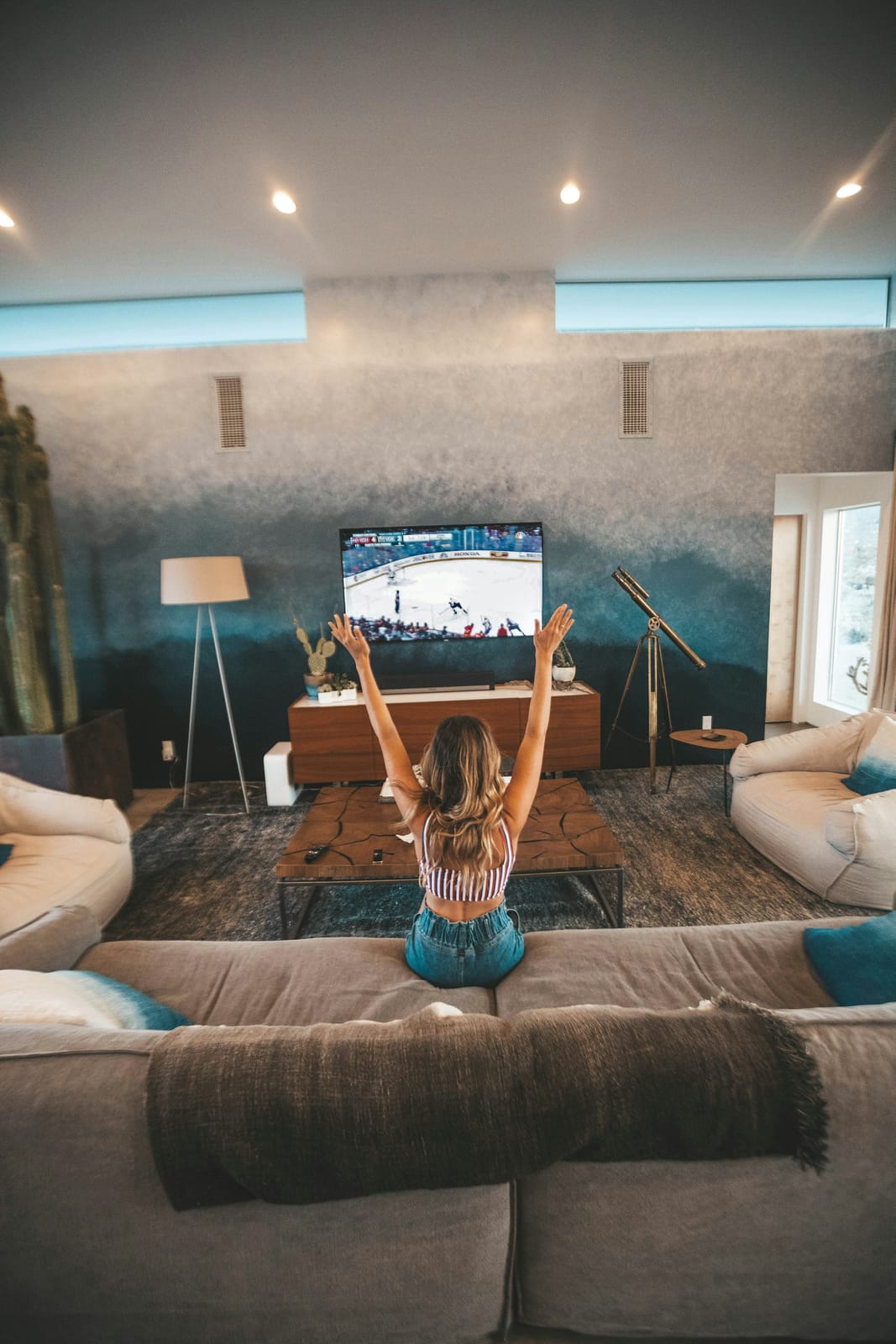
For Scandinavian and Greek expat households, the multi-device angle is especially relevant. You might want SVT Play running on the kitchen TV while the kids watch NRK on a tablet in the other room. Both streams pull from the same account but use separate device slots — so there is no conflict and no quality compromise.
The full Nordic and Greek line-up on NordicIPTV includes:
- Swedish: SVT1, SVT2, TV4, Kanal 5, TV3, and more
- Norwegian: NRK1, NRK2, TV2, TVNorge
- Danish: DR1, DR2, TV2 Danmark
- Finnish: YLE TV1, YLE TV2, MTV3
- Greek: ERT1, ERT2, ERT3, Cosmote TV, Nova, Mega, Alpha
These are not low-quality re-streams. The channels come through load-balanced servers in FHD and 4K where the source supports it. If you have ever tried to watch SVT on a VPN and found it stuttering, the difference in reliability is noticeable immediately.
The 80,000+ on-demand library also includes Scandinavian originals and Greek series — not just English-language content. Shows like The Bridge (Bron/Broen), Vikings, and Money Heist are in the VOD catalogue alongside newer releases. Every device on your plan can access the full library independently.
Getting the Most Out of Your IPTV Multi Device Setup Long-Term

Once your screens are set up, a few habits will keep everything running smoothly for the long term. These are things you only learn after running a multi-device IPTV setup for a while.
Router placement and wired connections
If your main TV is pulling a 4K stream over Wi-Fi from a router two rooms away, you will see occasional drops that have nothing to do with the IPTV service. A single ethernet cable from the router to a streaming box fixes 90% of buffering complaints. For tablets and phones, 5GHz Wi-Fi is significantly more stable than 2.4GHz for video streaming.
Keep your apps updated
IPTV player apps update frequently. An outdated version of TiviMate or IPTV Smarters can cause EPG loading failures or connection errors that look like server problems but are actually app bugs. Check for updates monthly.
Use the EPG and catch-up features actively
The 7-day guide with catch-up is one of the most underused features. Most people discover it only after missing a match. Set it up on every device from day one — it changes how you watch live TV entirely.
Lifetime vs. recurring for multi-device households
For a household with three or more regular viewers, the lifetime IPTV subscription is worth calculating carefully. At $543 for three devices, you break even against monthly billing in under two years. After that, every month of streaming is effectively free.
For any billing question, plan upgrade, or technical issue, Nordic IPTV support is available on WhatsApp in multiple languages. Response times are fast — in my experience, under a few minutes during business hours.
The bottom line on IPTV multi device streaming is straightforward: buy the right number of connections from the start, wire the devices that matter most, set your buffer correctly, and use the EPG from day one. A five-screen household can run entirely on one Nordic IPTV account, with every screen pulling independent 4K streams and full access to 24,000+ channels and 80,000+ titles — all for less than most families spend on two or three separate streaming subscriptions combined.
Frequently Asked Questions
Can two people watch different channels at the same time on one Nordic IPTV account?
Yes — as long as your plan covers the number of simultaneous streams you need. A 2-device plan gives two independent connections, so one person can watch a live football match while another streams a series from the VOD library. The streams do not interfere with each other.
Does picture quality drop when multiple devices are streaming at once?
No. Each connection is routed independently through load-balanced servers. One device streaming 4K does not reduce the quality available to another device on the same account. Your home internet speed is the only shared resource — make sure your total bandwidth covers all simultaneous streams (roughly 25 Mbps per 4K stream).
What is the best IPTV player app for a multi-device household?
TiviMate is the strongest option for Android and Fire Stick — it supports Xtream Codes, has a clean EPG grid, and handles catch-up well. For iPhone and iPad, IPTV Smarters Pro is the most reliable. On Smart TVs, Smart IPTV or SS IPTV work without any sideloading. Use the Xtream Codes login format wherever possible, since it gives you a proper 7-day guide automatically.
How quickly is a multi-device account activated after payment?
Activation is automatic. Login credentials and a setup guide arrive by email and WhatsApp within 5–15 minutes of payment. You do not need to wait for a manual review or a business-hours response.
Is a lifetime plan available for multiple devices?
Yes. Nordic IPTV offers lifetime plans for 1 through 5 devices, priced from $289 (one device) to $797 (five devices). Each device slot gets its own permanent credentials with no recurring fees. For households planning to stream for more than two years, the lifetime plan is almost always cheaper than monthly or annual billing.
What should I do if one device buffers while others stream fine?
The problem is almost always local to that device, not the IPTV server. Check three things first: switch from 2.4GHz Wi-Fi to 5GHz (or use ethernet), increase the player's buffer size to 5,000ms in the app settings, and enable hardware decoding if the app supports it. If the issue persists, contact Nordic IPTV support on WhatsApp — they can check your connection's performance on their end and suggest a fix.
Start streaming with Nordic IPTV
25,000+ live channels and 60,000+movies & series in 4K, on any device. Plans from $12.99/month, or go lifetime.